From masses to a building
Start like architects do, with volumes: stack them, join them, cut them. Then the masses turn into floors, walls, windows and a roof.

One game, many ways to imagine, build and play.

Here the kid is the architect. A house, a tower, a school, a store, a park: thousands of things to design, and each one is theirs.
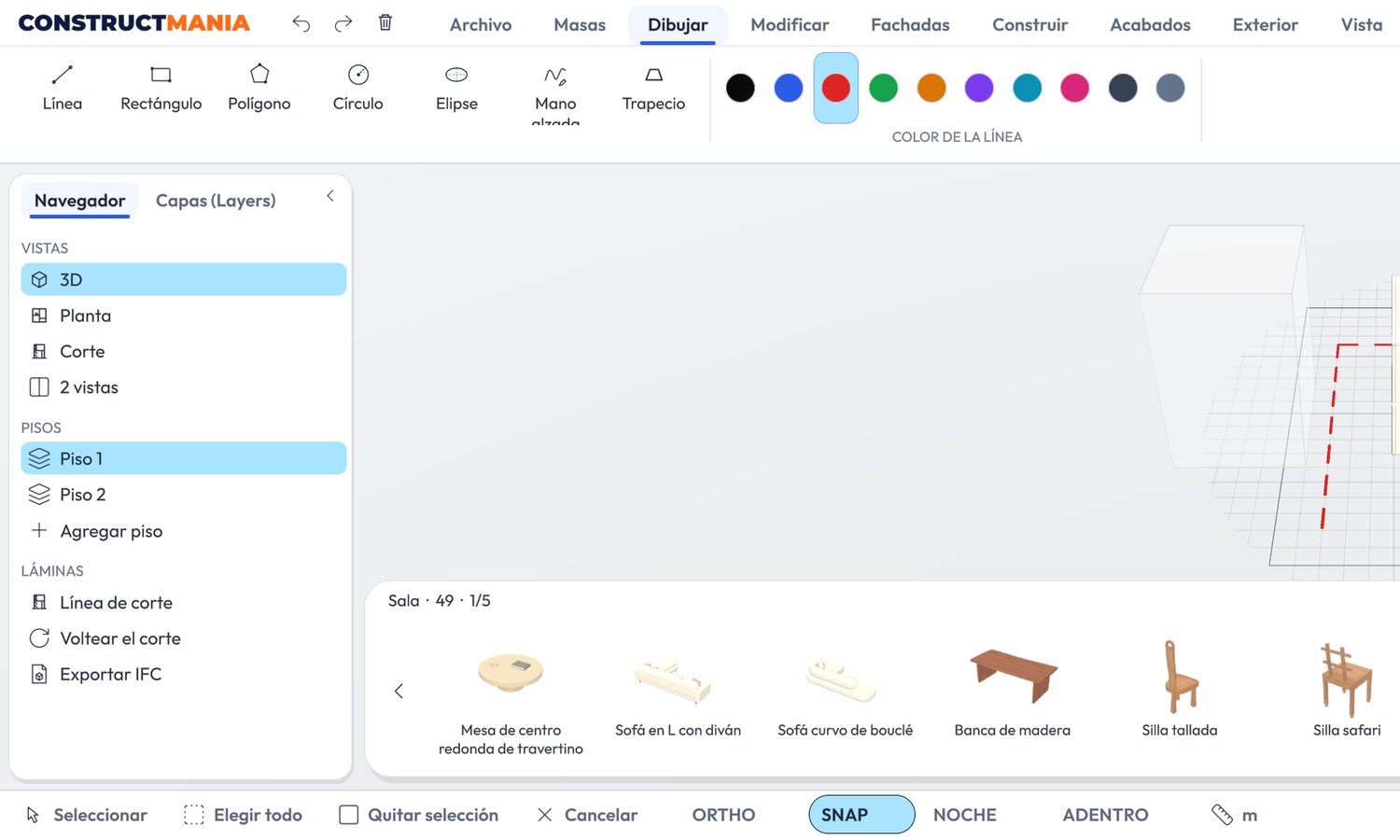
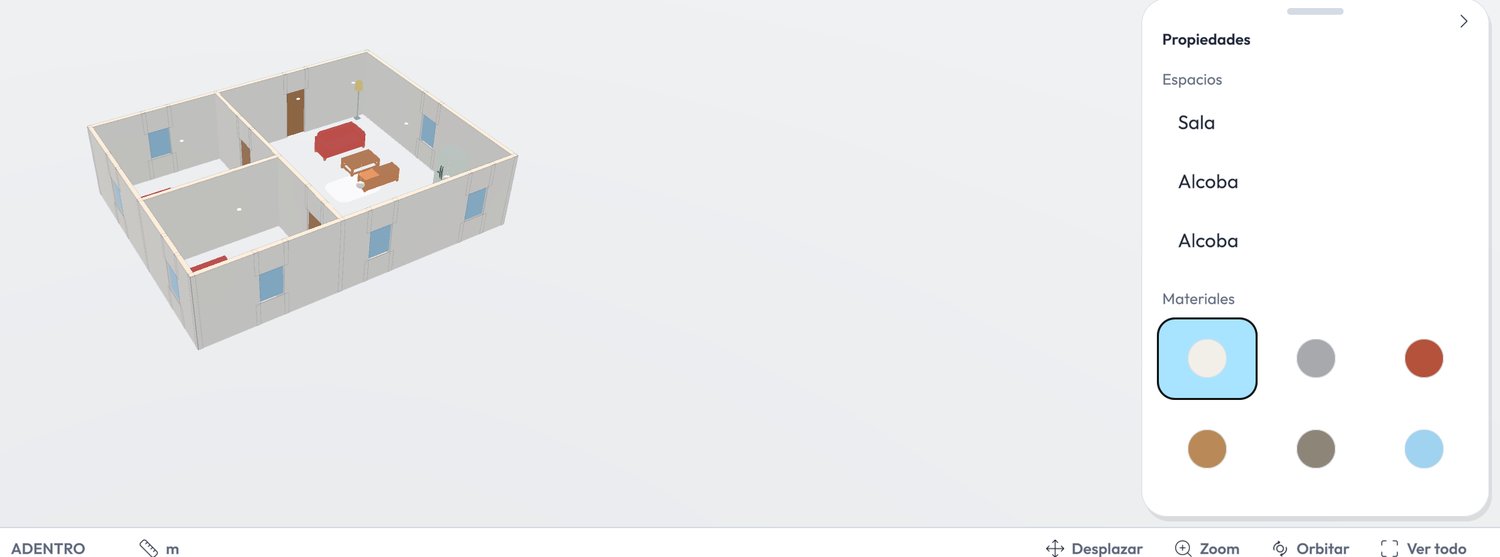
The heart of Constructmania: a real design program made for kids, on your PC or tablet.
Start like architects do, with volumes: stack them, join them, cut them. Then the masses turn into floors, walls, windows and a roof.
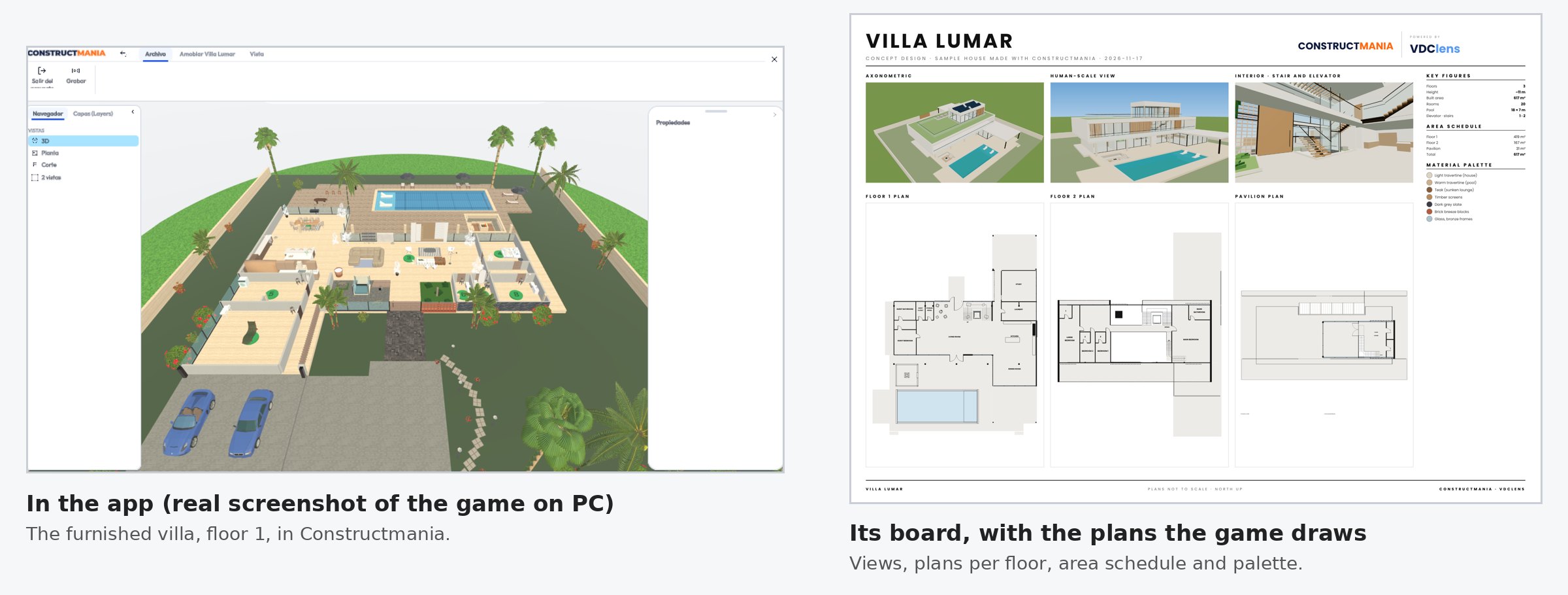
Walls cut in plan, door and window symbols, rooms with their names, sections and roofs with their slope, like an architect's sheet.
Materials, furniture and the garden. Print your concept sheet, see your house on your table in Meta Quest and walk Arthur through it.
Real design tools made for kids. The kid decides; the game takes care of the precision.
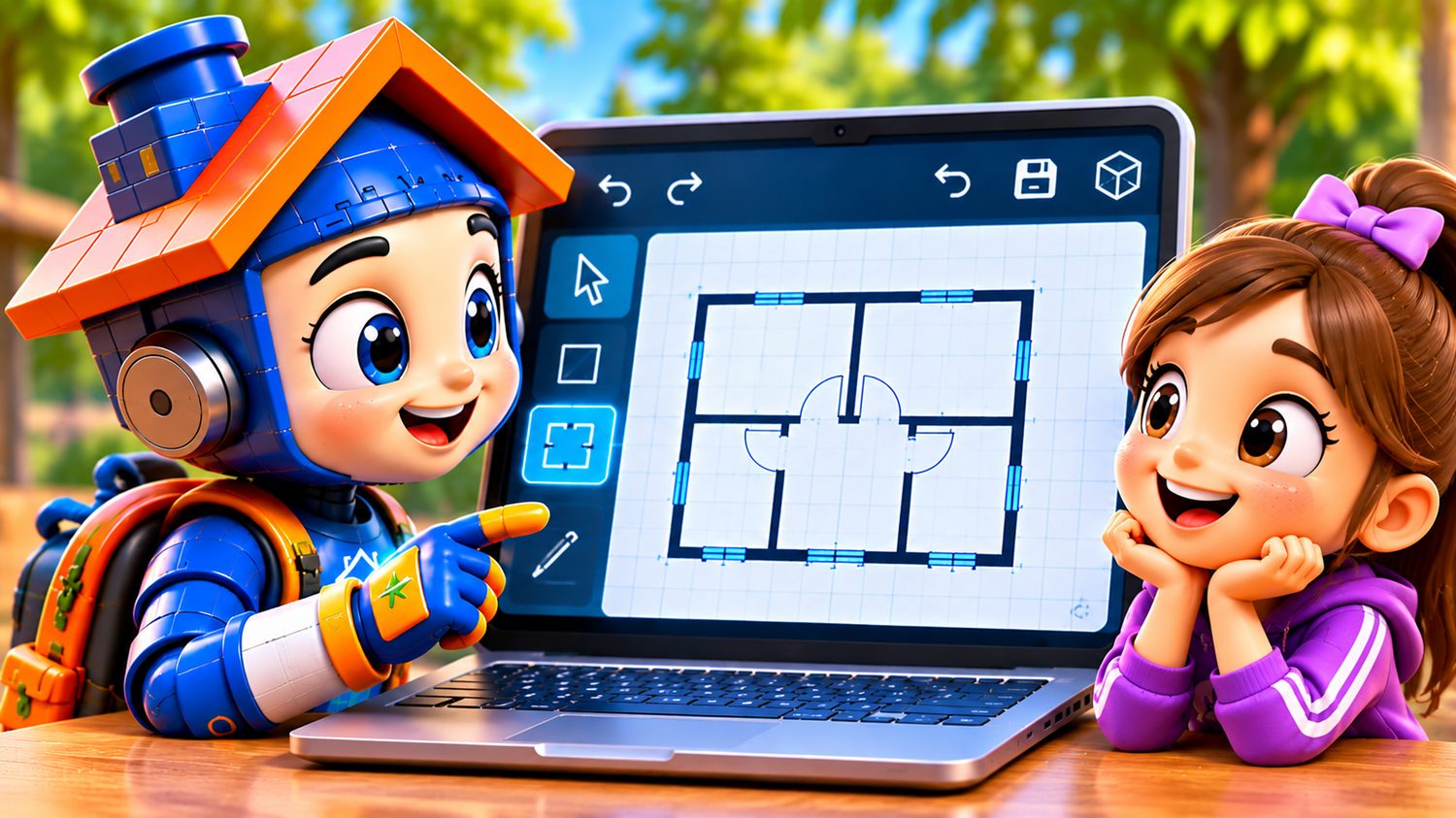
Walls, rooms, doors and windows, from point to point on the grid. Arthur shows how, the kid decides.
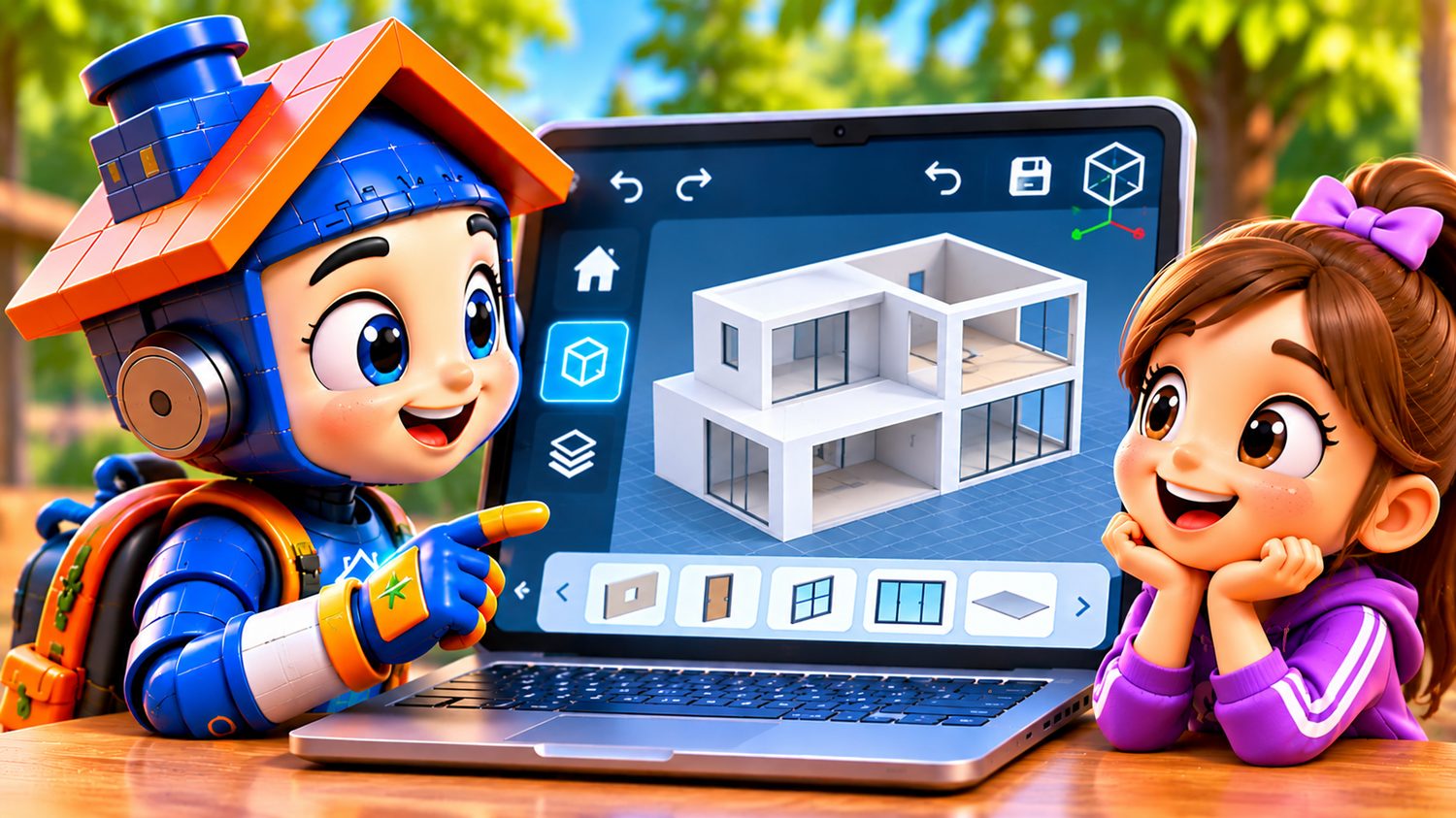
The plan rises floor by floor into a 3D house. Add doors, windows and slabs, and look at it from every side.
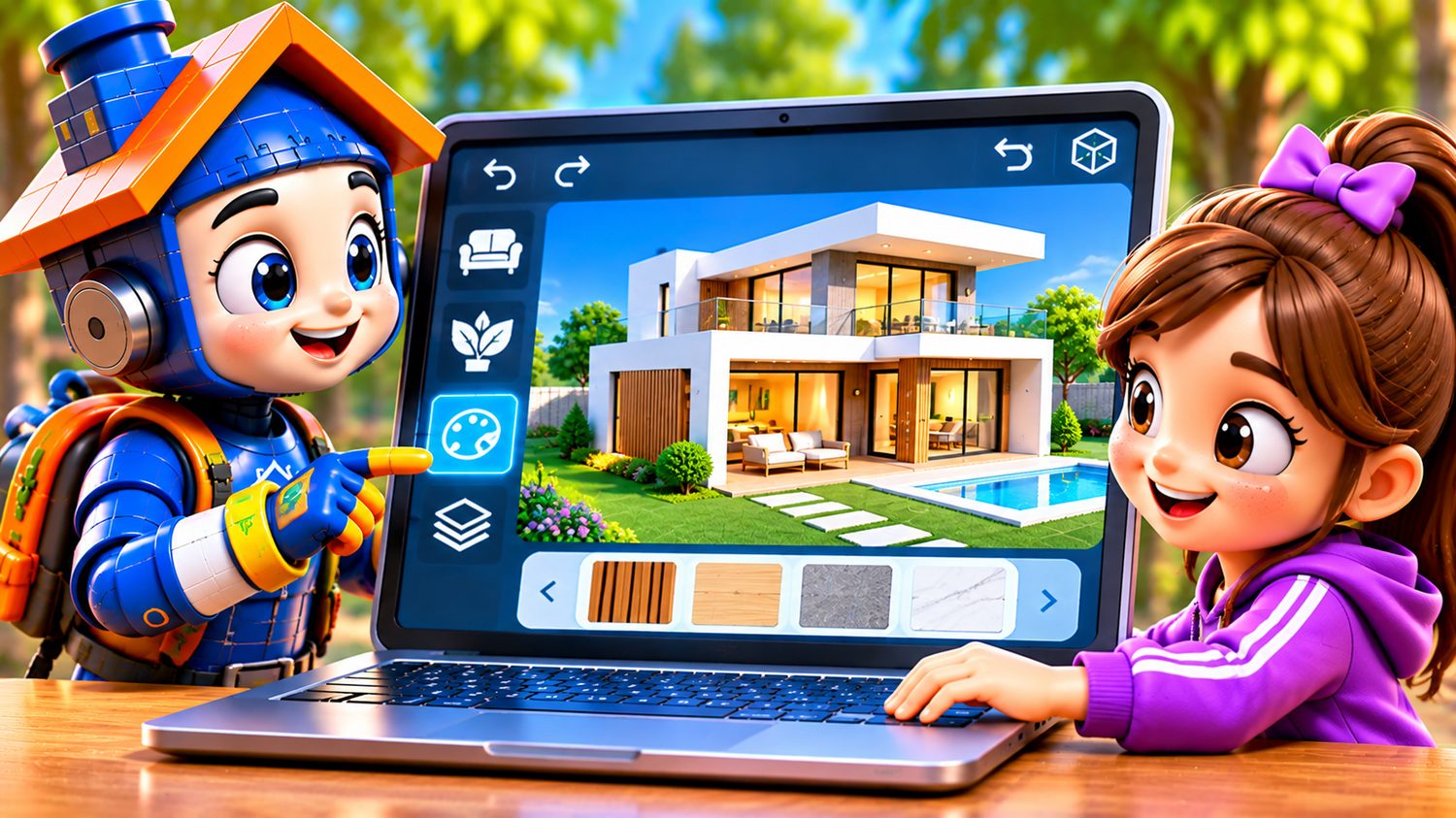
Floors, walls and roof with real wood, stone and marble, furniture and the garden. Then send it to your headset.
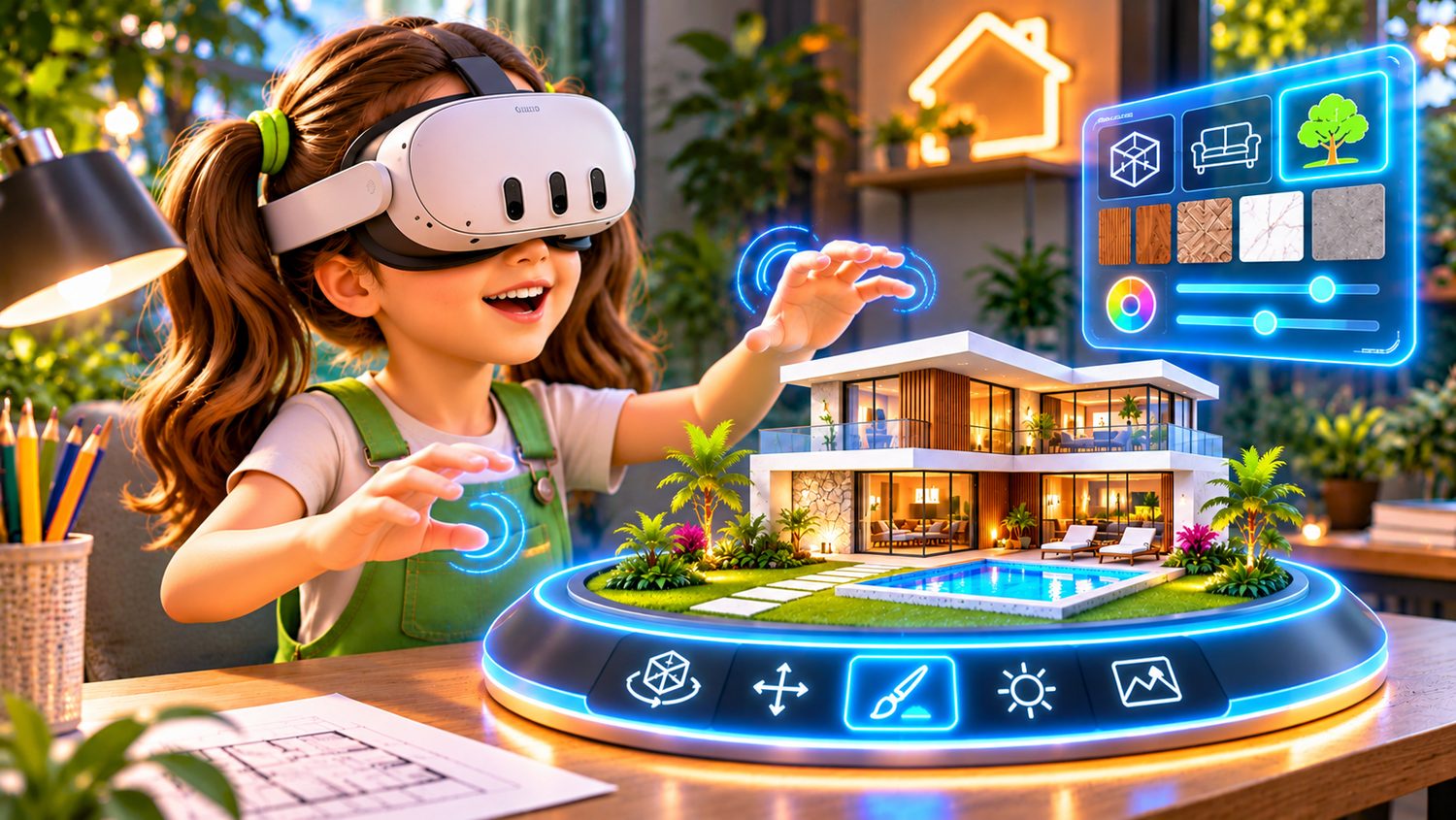
One world. Three ways to play.PC · Tablet · Meta Quest
Put on Meta Quest 3 and your project appears as a model on a turntable over your real table, in mixed reality.
A sample house made with the game. Design it on the PC, see it on your table with the headset and make it yours.
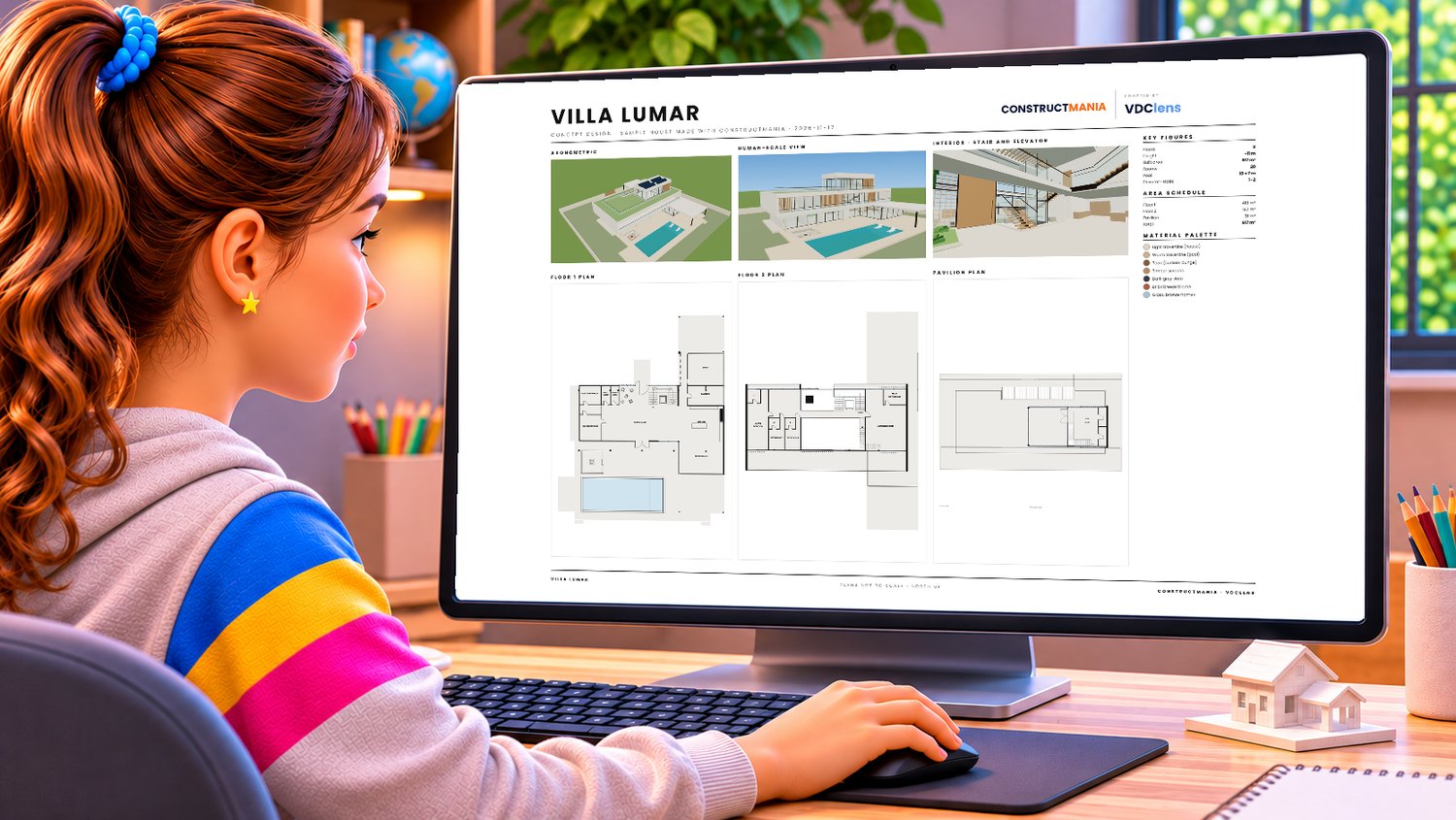
Plans, floors, stairs, glass and timber screens: the villa is modelled with the game, and its board comes with the plans the game draws.
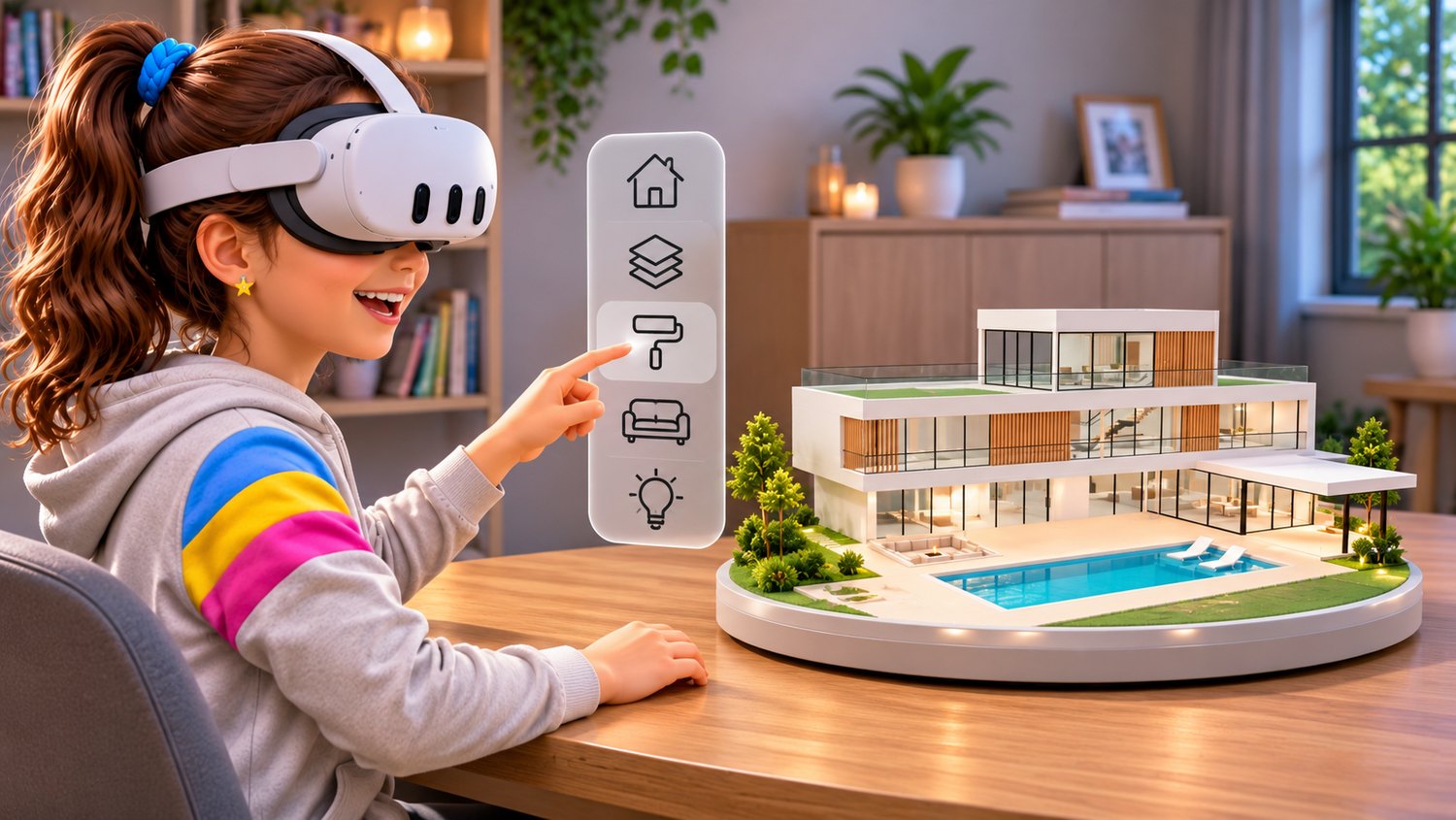
With Meta Quest 3 the villa appears as a model on a turntable on your real table. Turn it, zoom in, look floor by floor.
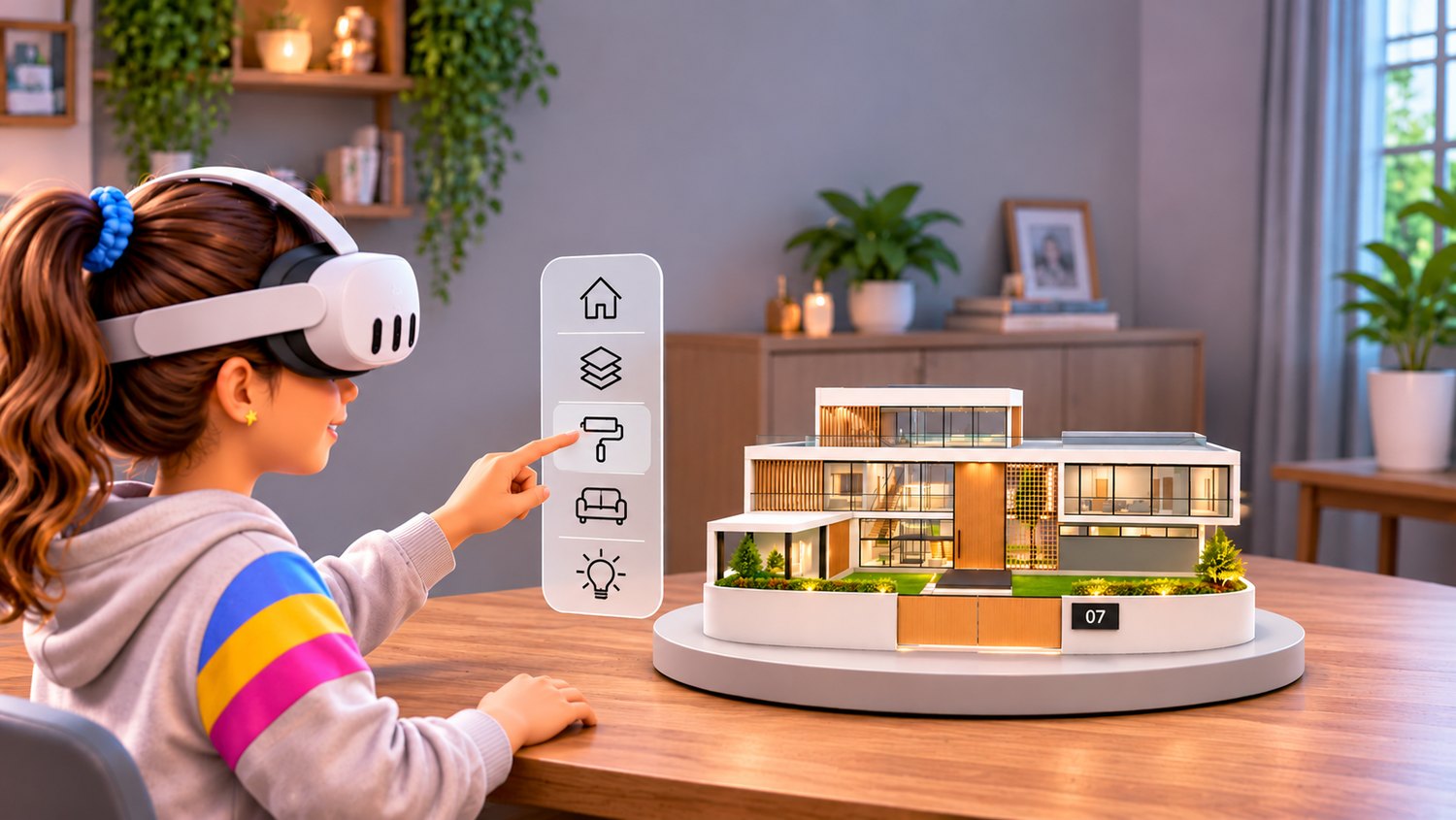
Touch a wall or a floor and pick a new material, swap or turn the furniture. Only your hands, no controllers.
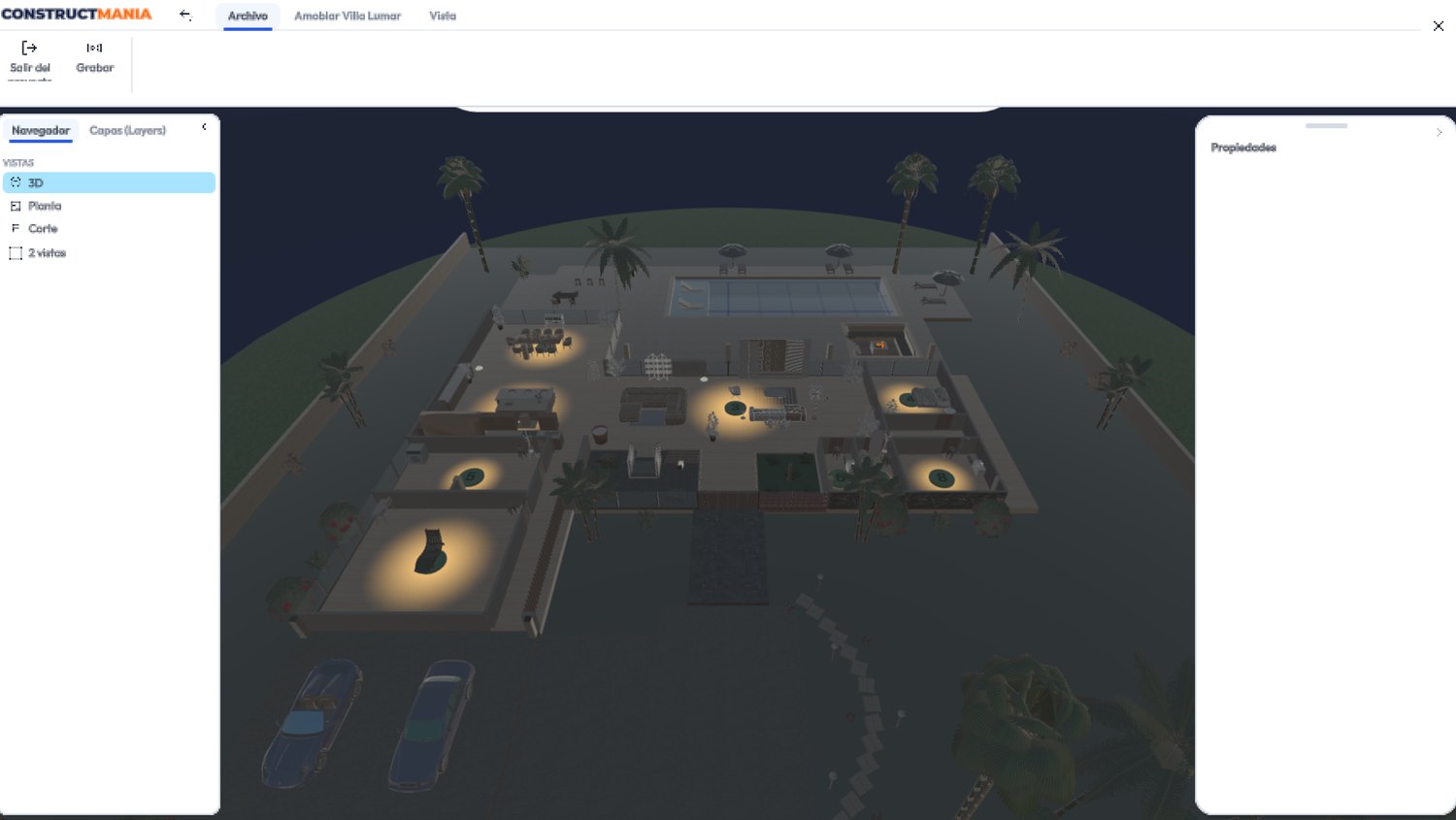
Turn on the lights room by room and show the house to your family.
Steps 1–3 are illustrations. Step 4 and the picture below are real screenshots of the game.
One mission, three trades. Every track is different because the kid designs it.
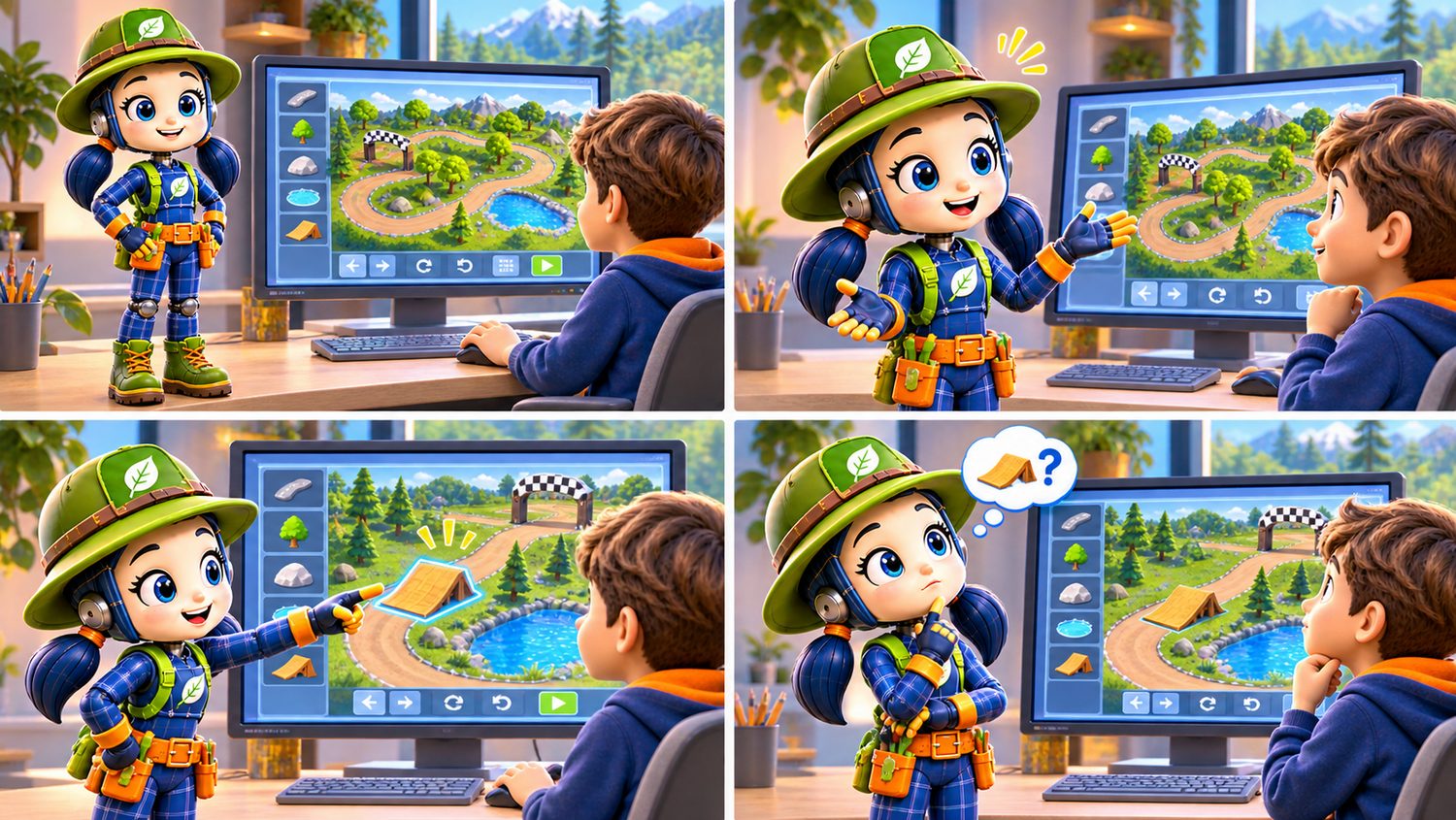
On the PC or tablet, in plan: the route, the jumps, the dips and the water. Olive helps, but the kid decides.
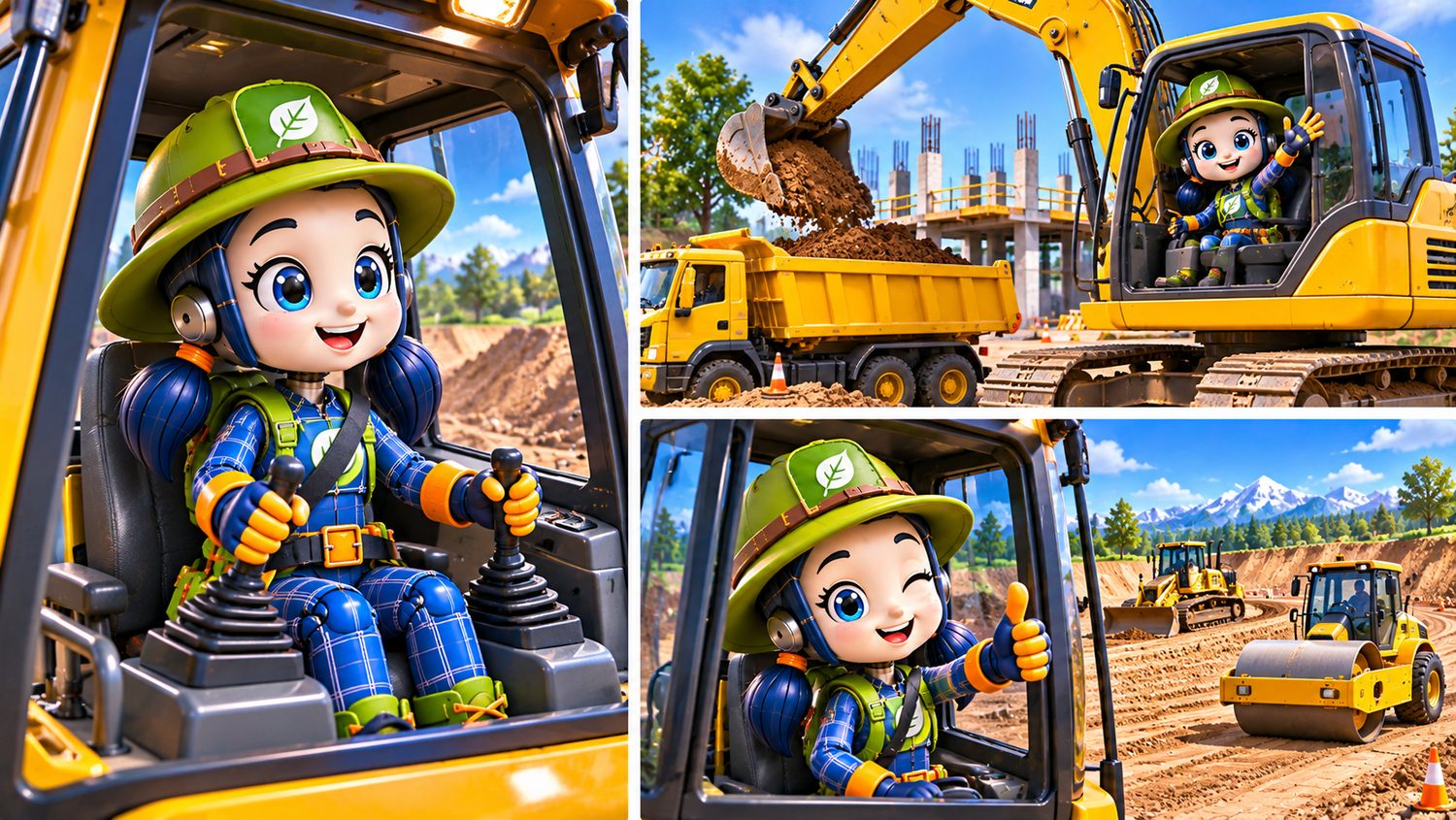
Shape the land with the excavator, the dump truck, the bulldozer and the roller until the track is ready.
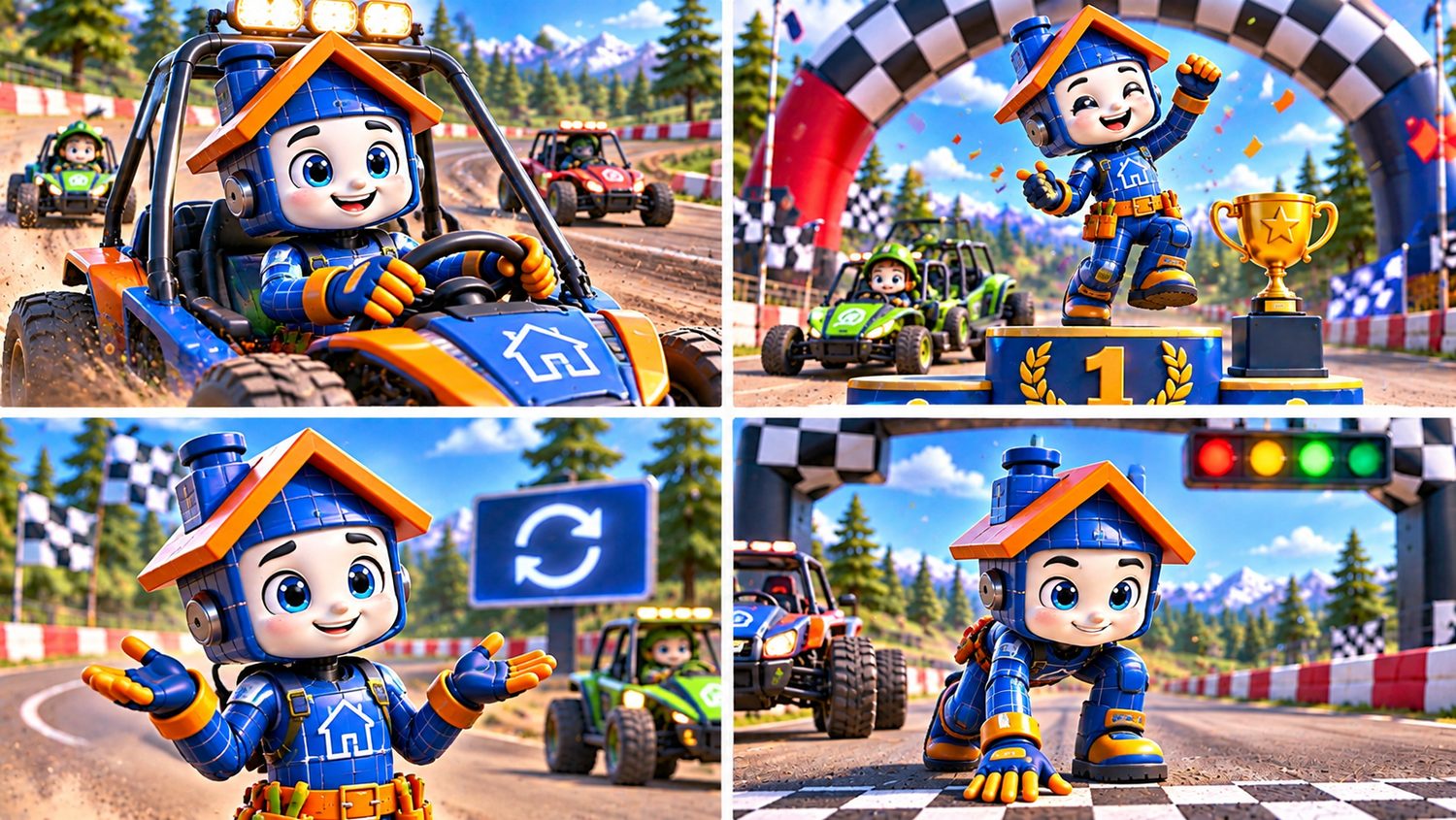
Race the buggy against Arthur and Olive on your own track. Lost? Change the track and try again.
Build the houses, decorate them and play a thousand adventures with Luciana and her friends. On the PC, the tablet or Meta Quest 3.
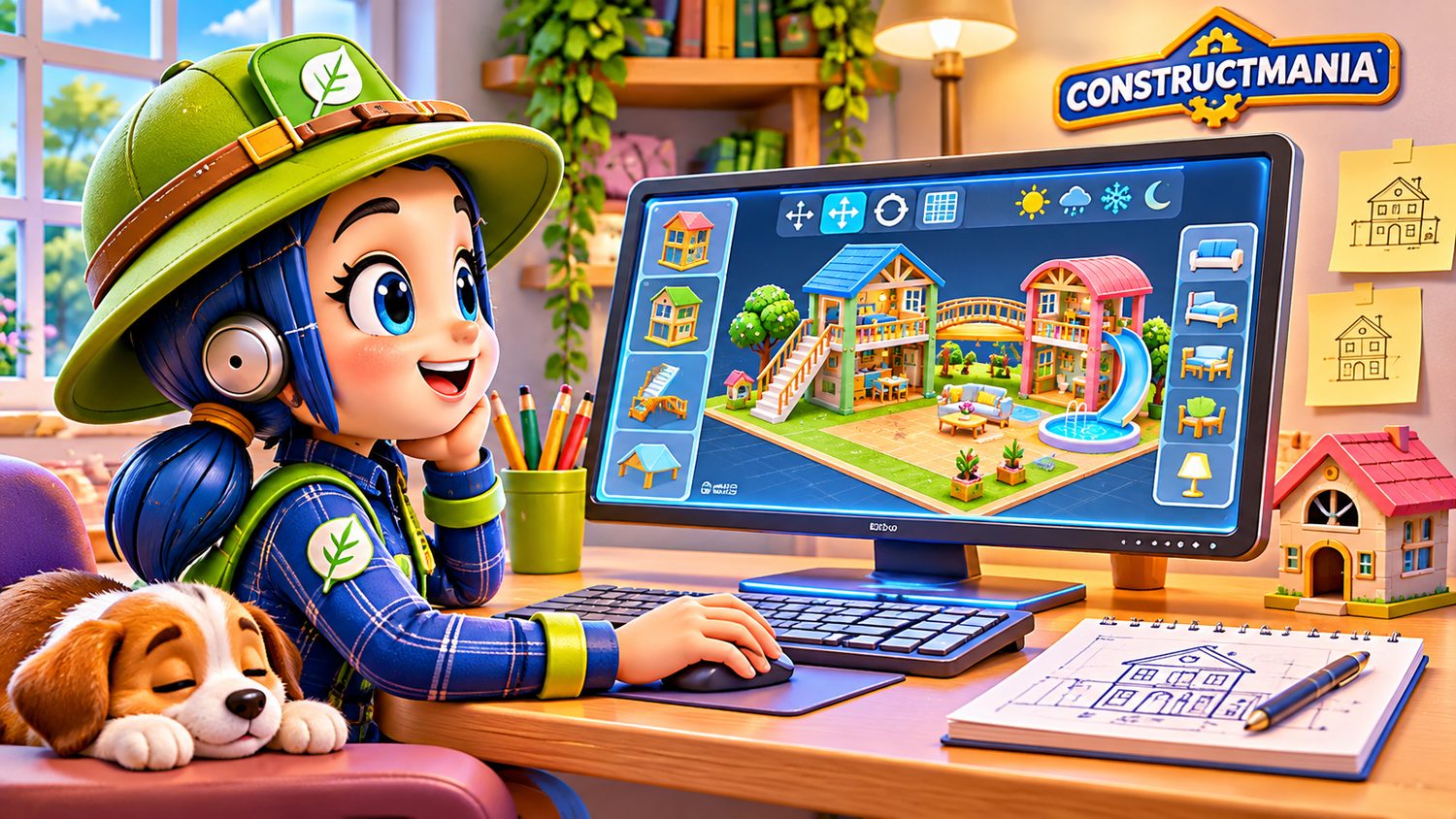
One, two or three houses of one or two floors. Add the stairs and the bridge between them, pick the colors and the type of roof.
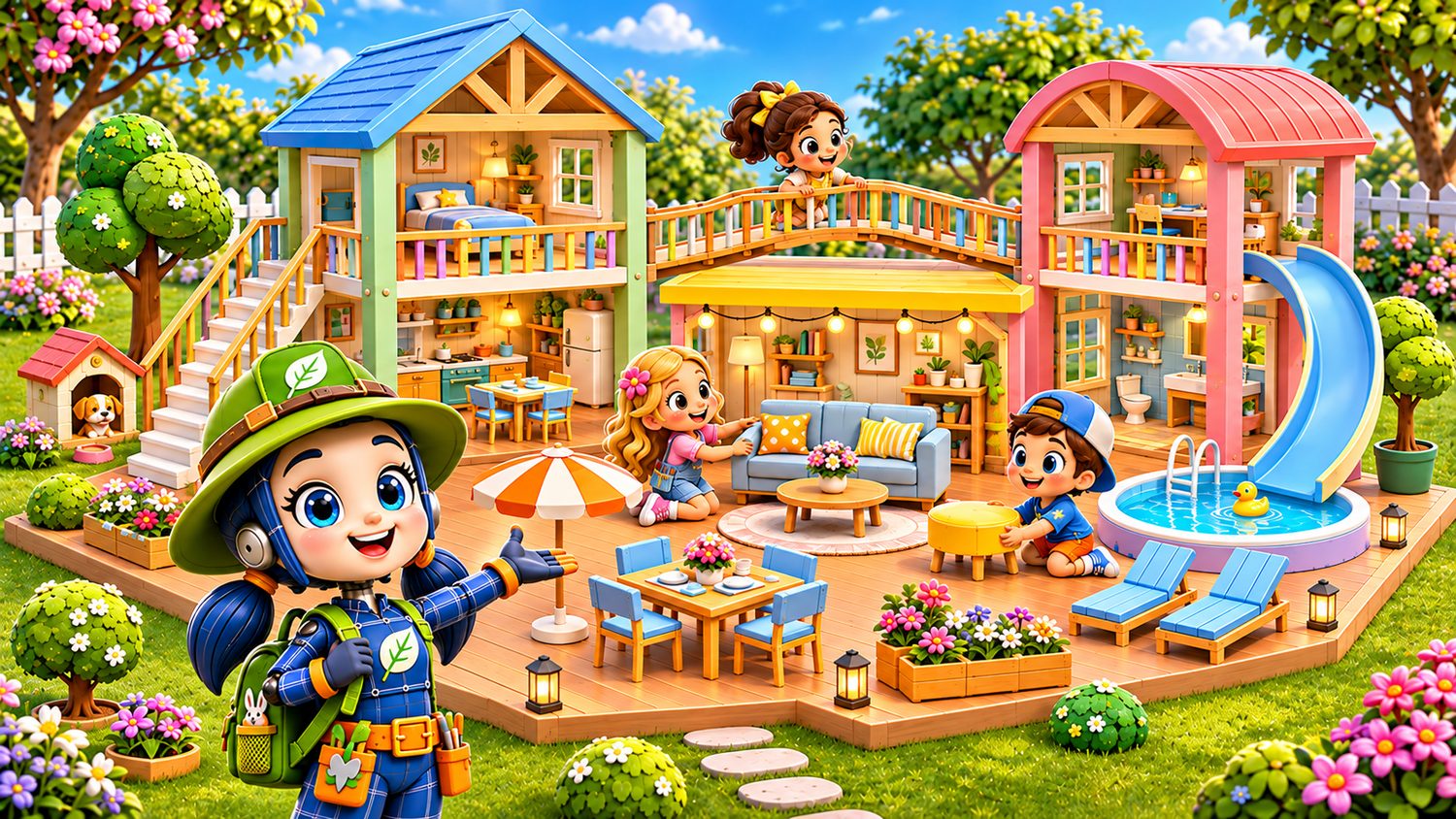
Place the furniture and move it around. Plant trees and bushes, make a garden, add the pool, the slide and the doghouse.
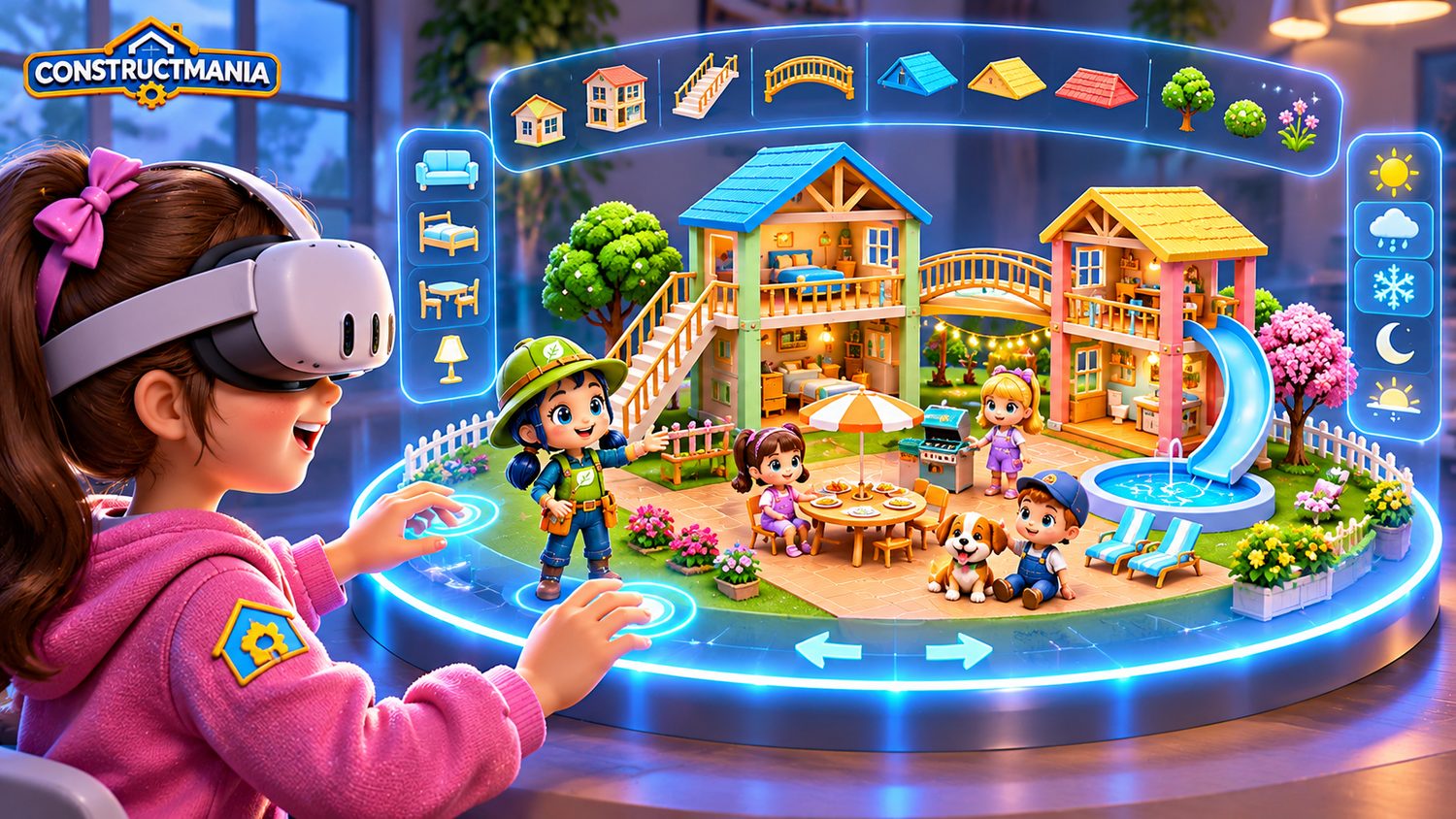
Choose from three dolls, with Luciana as the star, and their little brother. Cook, feed the puppy, put them to bed; make it rain or snow, let night fall and the sun rise. In Meta Quest 3 it appears on the turntable over your table.
Drive the crane, organize your job site and build your own building from the foundations up. Arthur teaches you how to build it right. Play it on the PC, the tablet or Meta Quest 3.
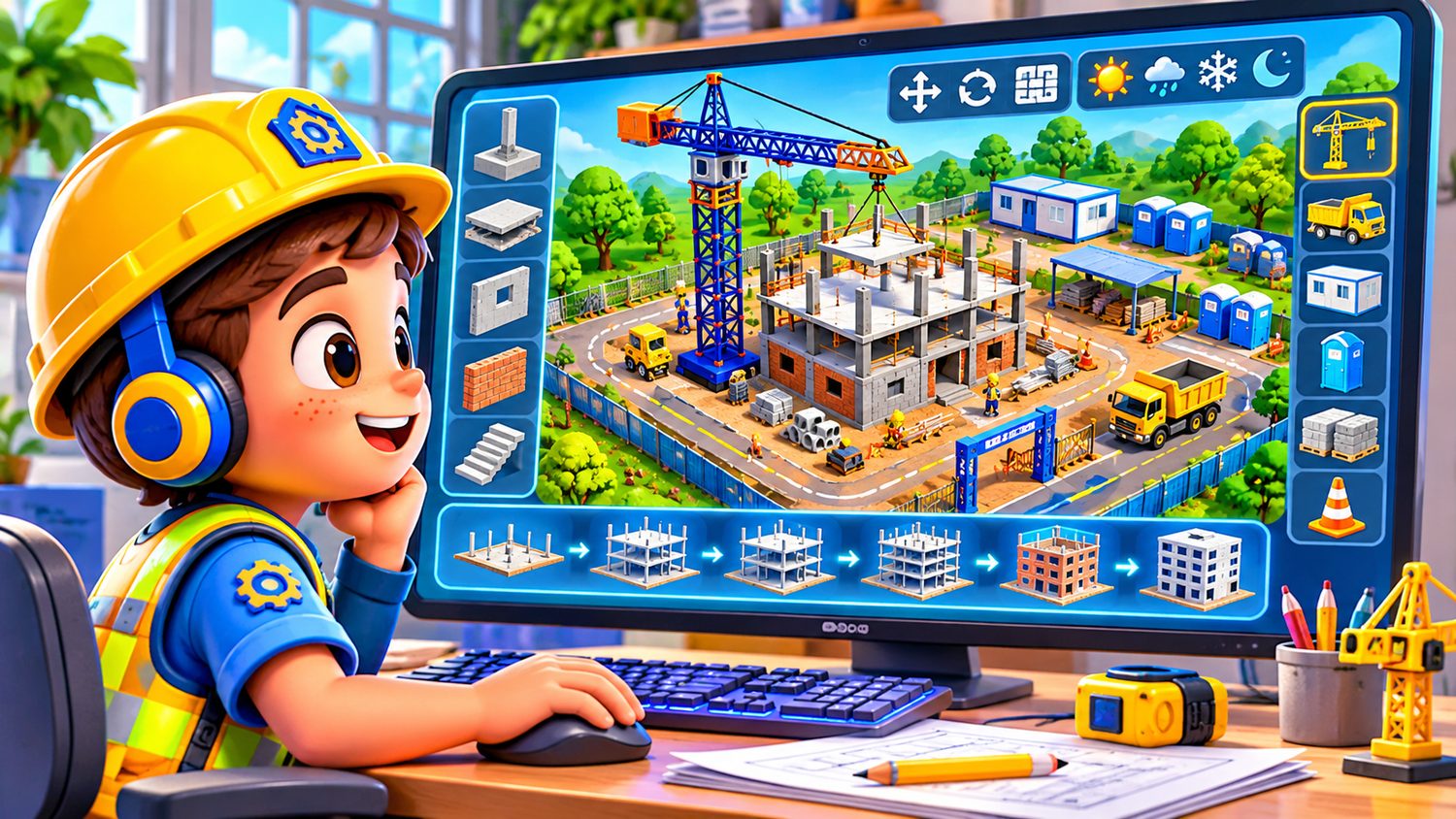
The project logistics: the lot and its fence, the 6 × 6 m modules, where the tower crane goes, the road for the mixer trucks, the site camp, the restrooms and the material storage. Then start with the foundations.
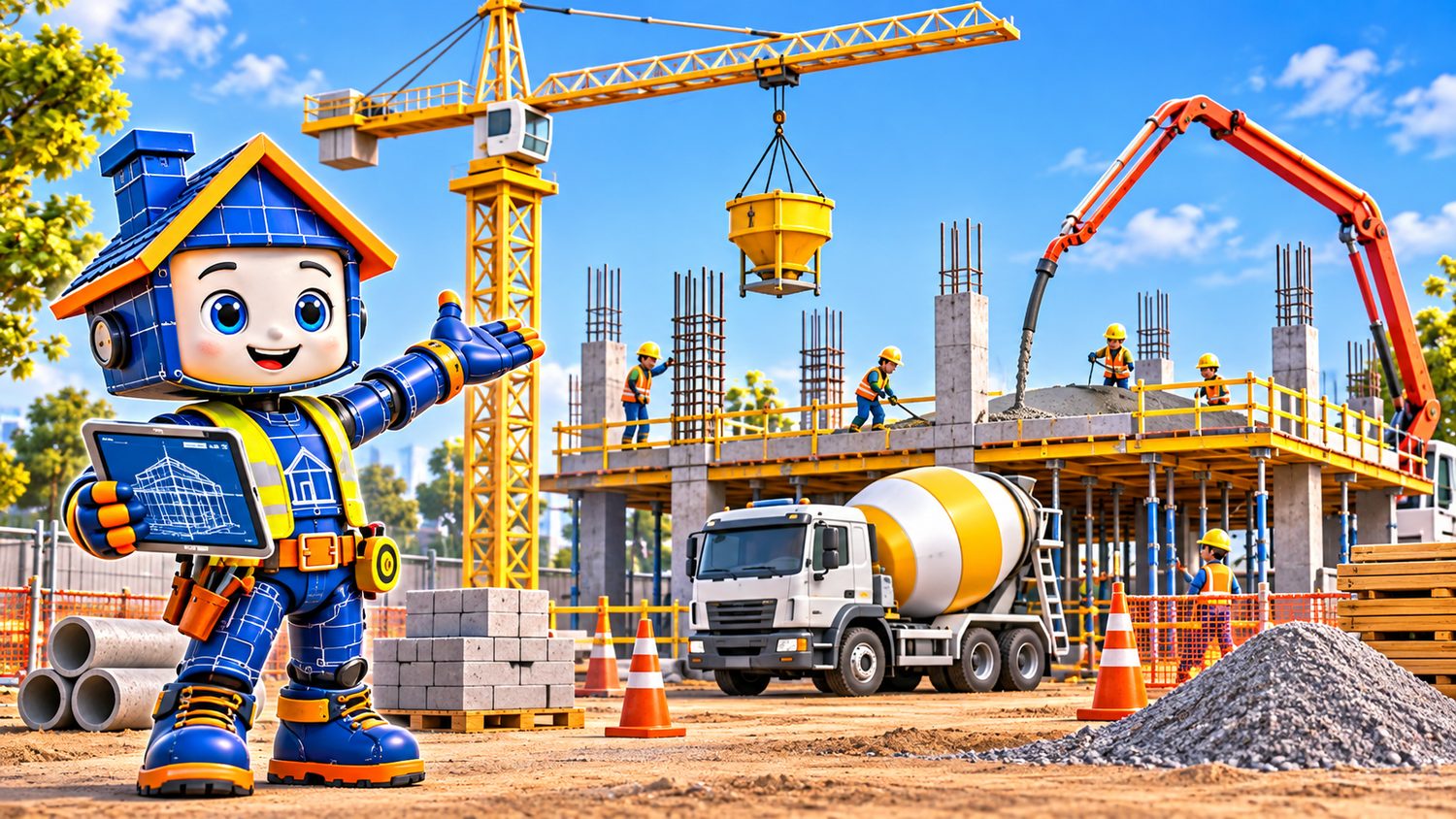
The kid learns to drive the crane and pours piece by piece: footings, columns and beams with the bucket, slabs with the concrete pump, with the scaffolds around.
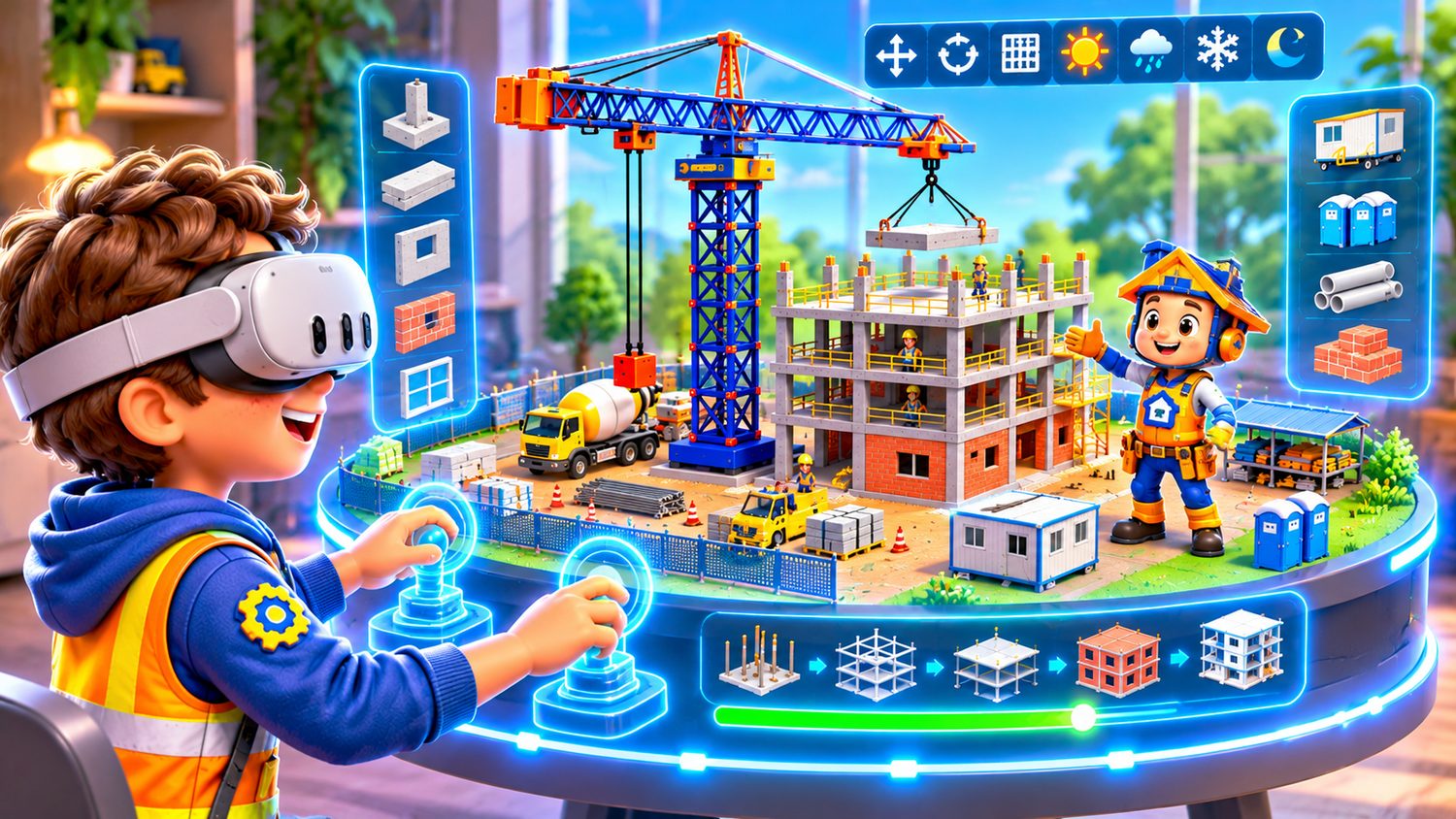
Raise the floors and close the building in with walls and windows. Once one floor is done, the crew repeats the rest. In Meta Quest 3 the job site sits on the turntable and the crane is driven with your hands.
A giant tree in the town square, built by you piece by piece. Then decorate it and light it up.
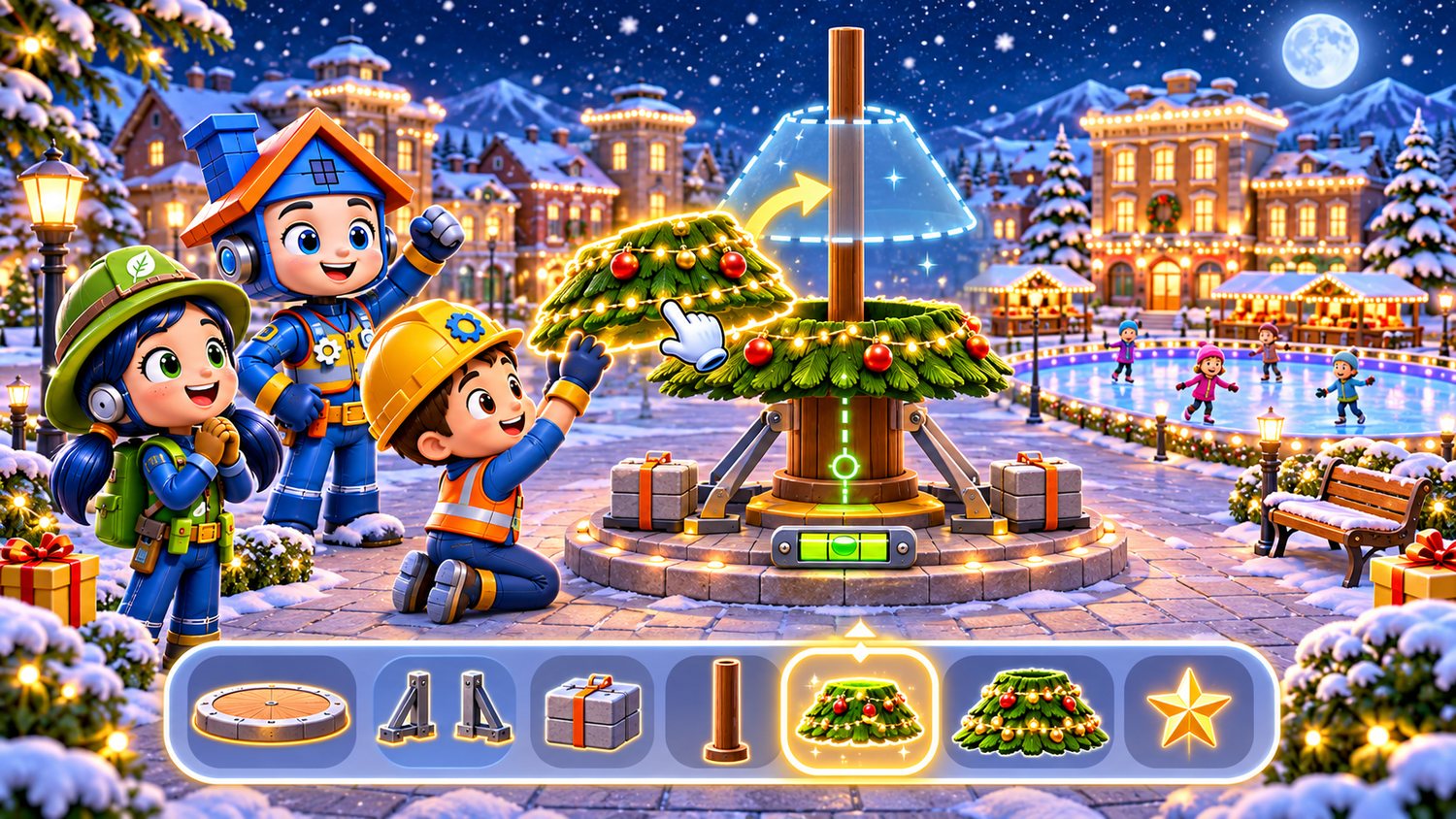
Supports, counterweights, the base and the trunk, piece by piece. Level the base and plumb the mast, like on a real job site.
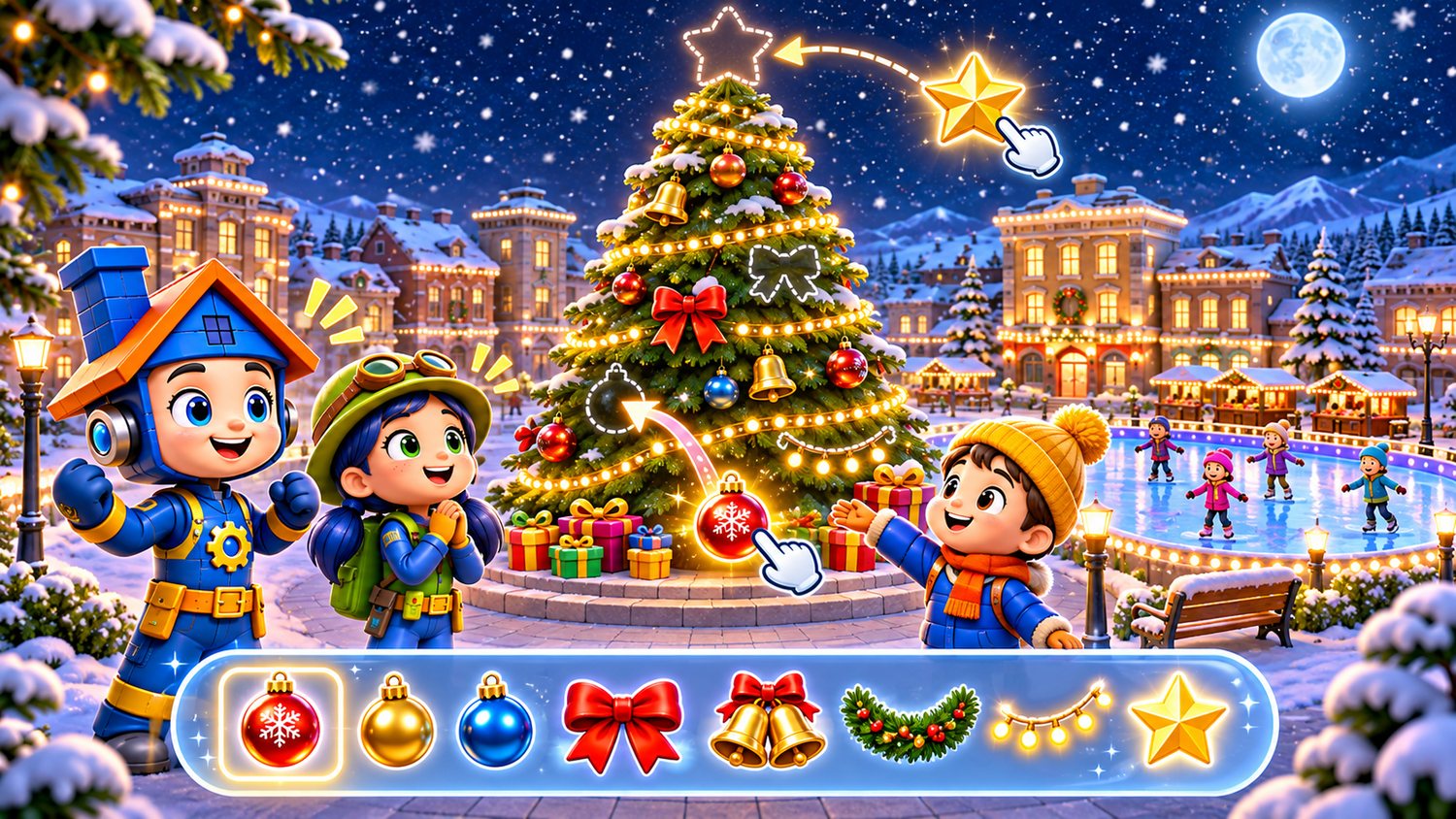
Balls, bows, bells, lights that wrap all the way around and the star on top. There is no right way: it is your tree.
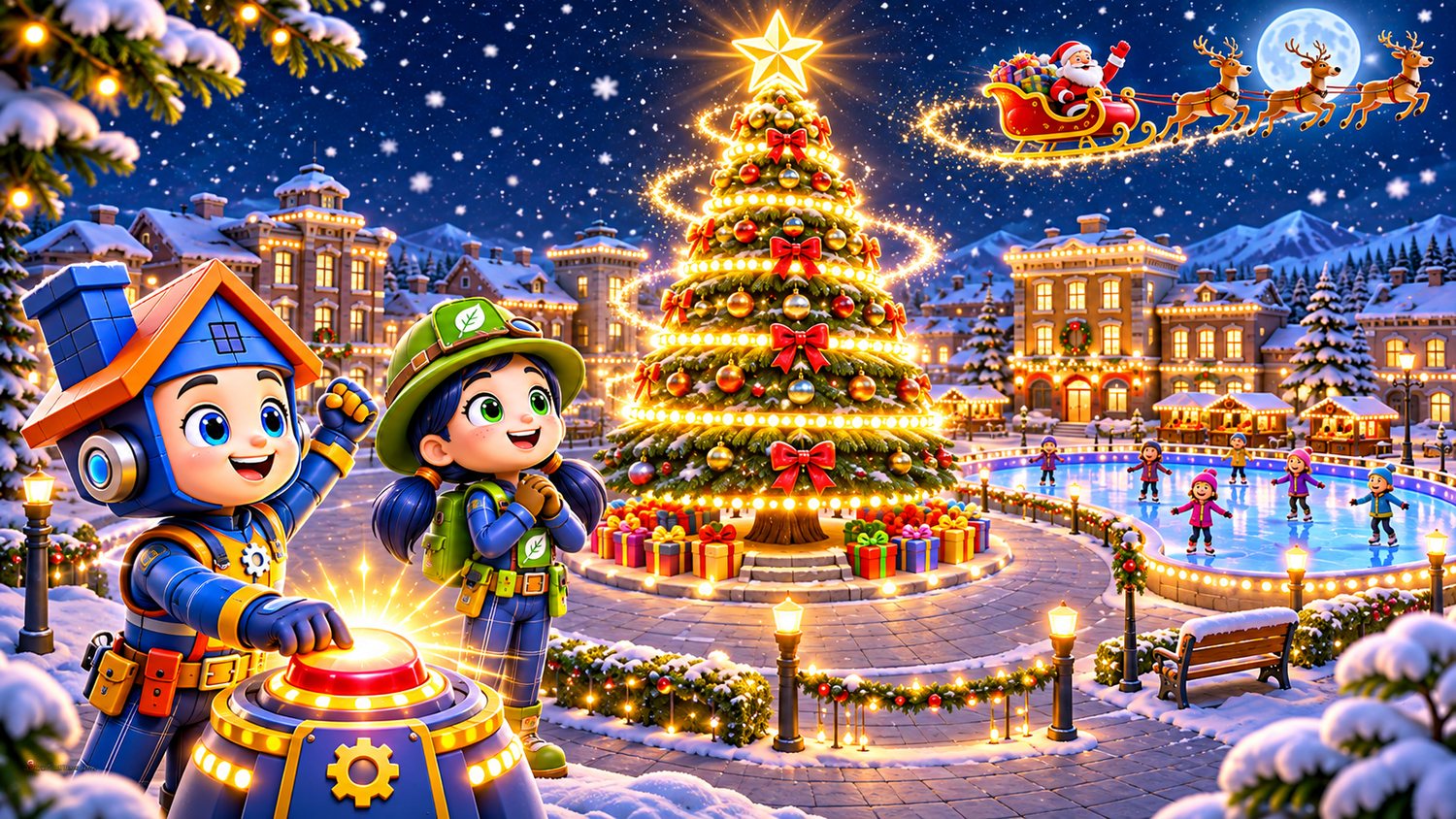
Press Inaugurate: night falls, the lights turn on floor by floor, it snows, Santa flies over the square and the gifts appear.